How to Create a Brand Mood Board That Actually Guides Your Visuals
If you've ever spent 45 minutes choosing between two shades of blue for your newsletter and still weren't sure you picked the right one — a mood board is what you're missing.
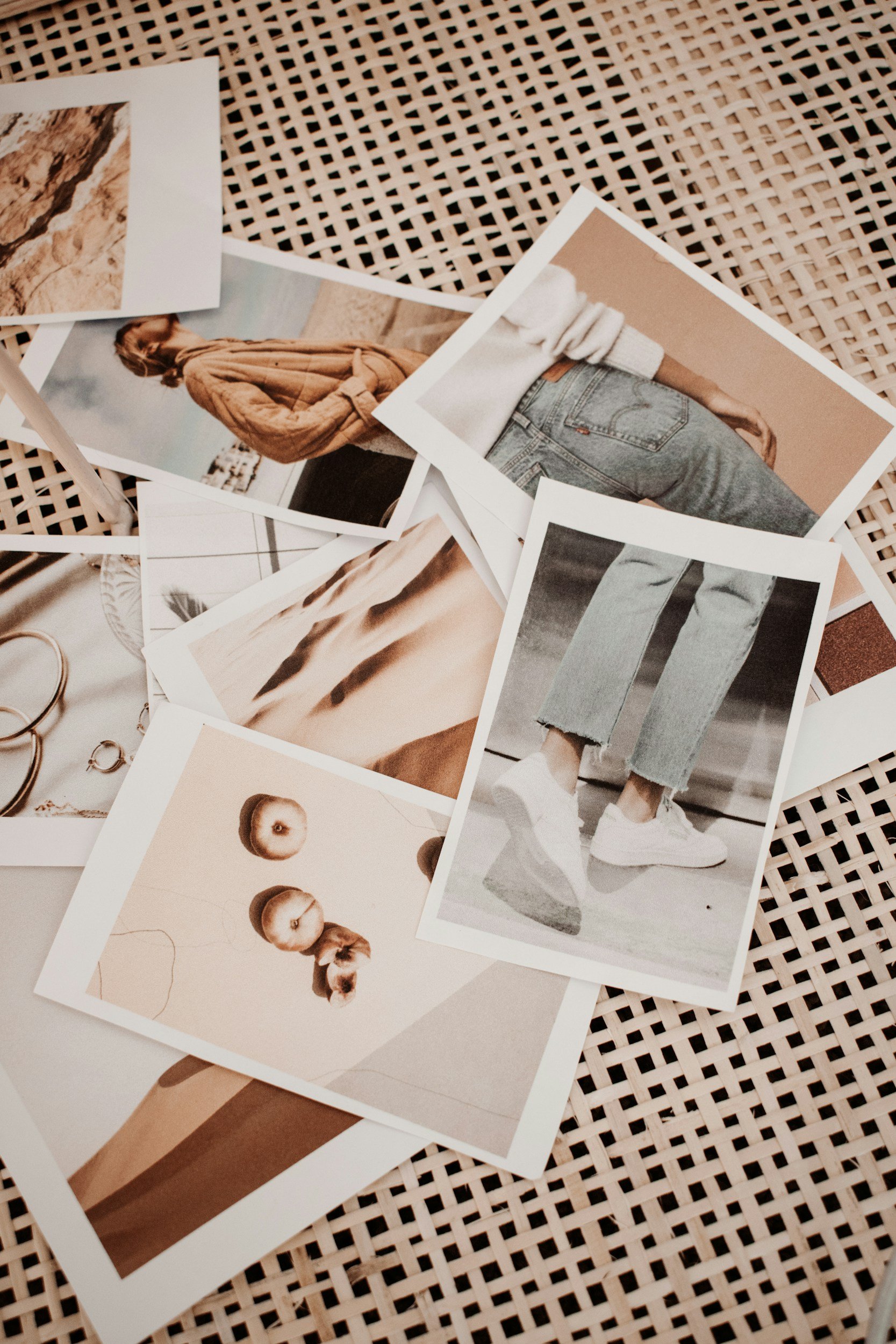
Not a Pinterest board with 300 saved pins. An actual curated, intentional mood board that tells you and everyone who works with you: this is what our brand looks and feels like.
It's one of the first things I walk clients through before we touch a single font or color palette. Because without it, every visual decision becomes a fresh debate. With it, the whole process moves faster and the result is something that actually feels cohesive.
Here's how to build one that does its job.
Step 1: Get Clear on the Feeling Before You Find the Images
Most people open Pinterest first. Don't.
Before you start collecting anything, write down three to five words that describe how you want people to feel when they encounter your brand. Not what you do — how it should feel. Calm and grounded. Sharp and confident. Warm but polished.
This step takes ten minutes and saves you from curating a mood board that looks beautiful but doesn't actually fit your business. Know the feeling first. Then go find images that match it.
Step 2: Gather Inspiration Beyond Your Industry
Now you can open Pinterest. But here's the thing about only looking at other coaches' and consultants' brands for inspiration: you end up with something that looks like everyone else in your niche.
Pull from interiors, fashion, art, nature, packaging — anything that matches the feeling from Step 1. Colors that speak to you, textures that feel right, typography that has the energy you're after.
Collect more than you need at this stage. You're not curating yet, you're just gathering.
Step 3: Edit Ruthlessly
This is where most people go wrong. A mood board with 40 images isn't a mood board — it's a Pinterest board with extra steps.
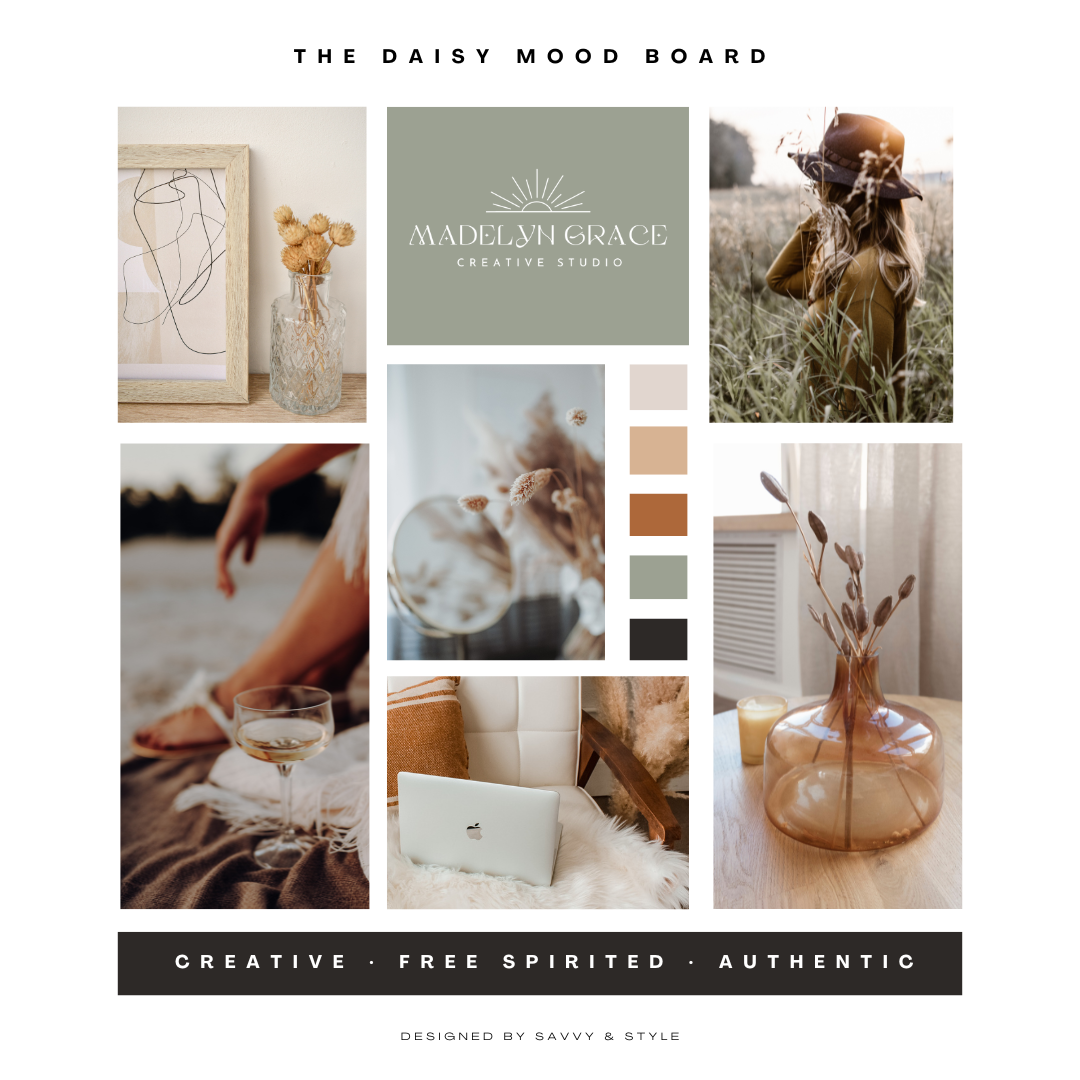
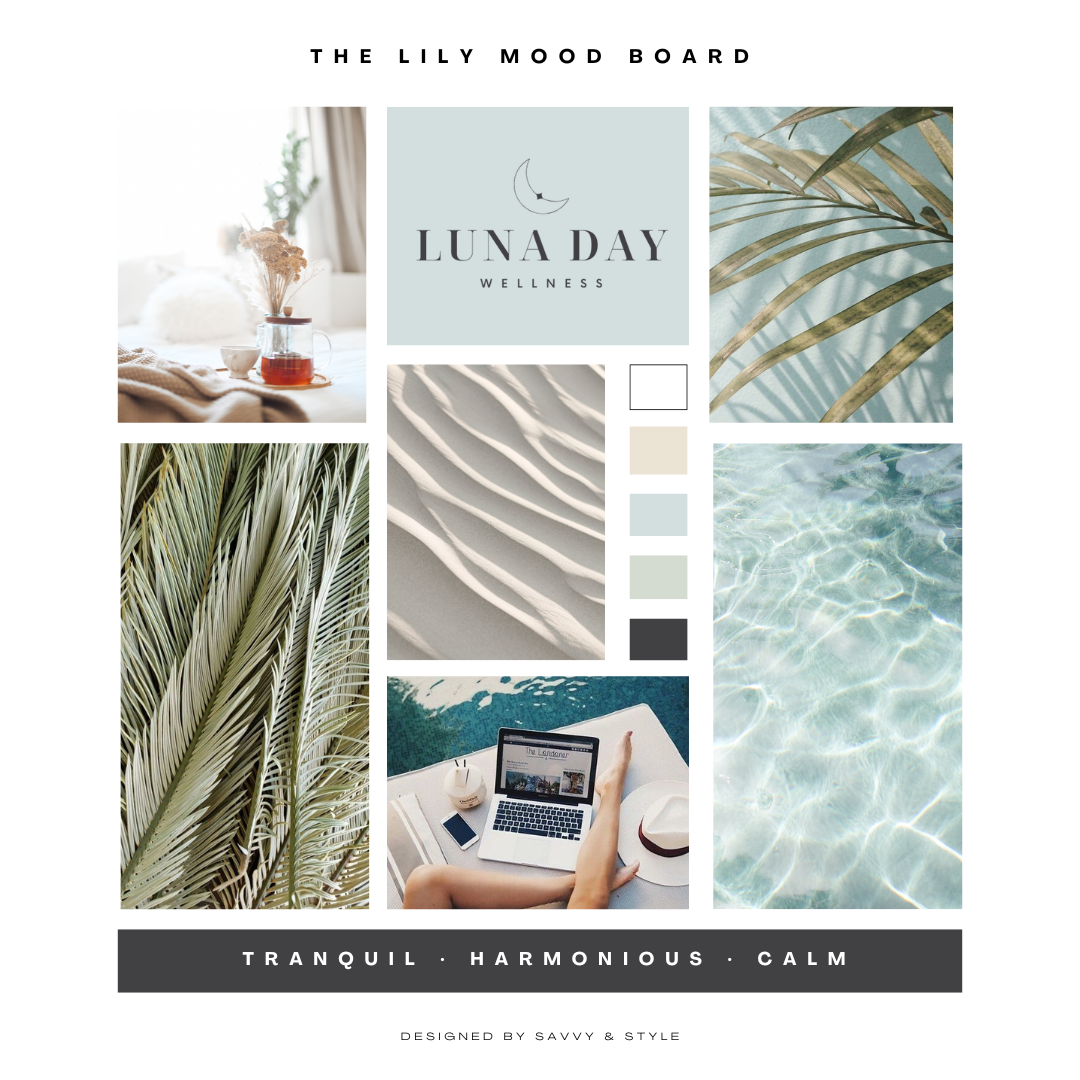
Pull it down to six to ten images. They should feel cohesive when you look at them all together — a balanced mix of color, texture, lifestyle, and typography. If something feels slightly off when you squint at the full board, it probably is. Remove it.
The goal is clarity. Anyone who looks at your mood board should immediately get a sense of your brand — without you having to explain it.
Step 4: Put It Together Simply
Canva has mood board templates that work fine. A physical corkboard works too if you think better with something tangible in front of you. The tool doesn't matter much — the curation does.
Arrange your images with breathing room. White space is part of the visual story. A cluttered mood board produces cluttered brand decisions.
Step 5: Actually Use It
A mood board only works if you refer to it. This is your decision-making filter for every visual choice going forward — brand colors, fonts, website layout, social graphics, photography direction.
Share it with your designer before a project starts. Share it with your photographer before a brand shoot. Use it yourself when you're making Canva graphics and can't decide between two options.
If the choice matches the mood board, it's probably right. If it doesn't, it's probably not. That's the whole point.
When a Mood Board Isn't Enough
A mood board is a starting point — a great one. But it's not a brand.
If you've done the mood board work and you're still second-guessing every visual decision, or your website and your Instagram and your proposals all feel like they belong to slightly different businesses, that's a signal you need more than inspiration. You need a cohesive visual identity built by someone who does this for a living.
That's what The Styled Brand is — a streamlined way to get from mood board to fully realized brand without the months-long process or the guesswork.